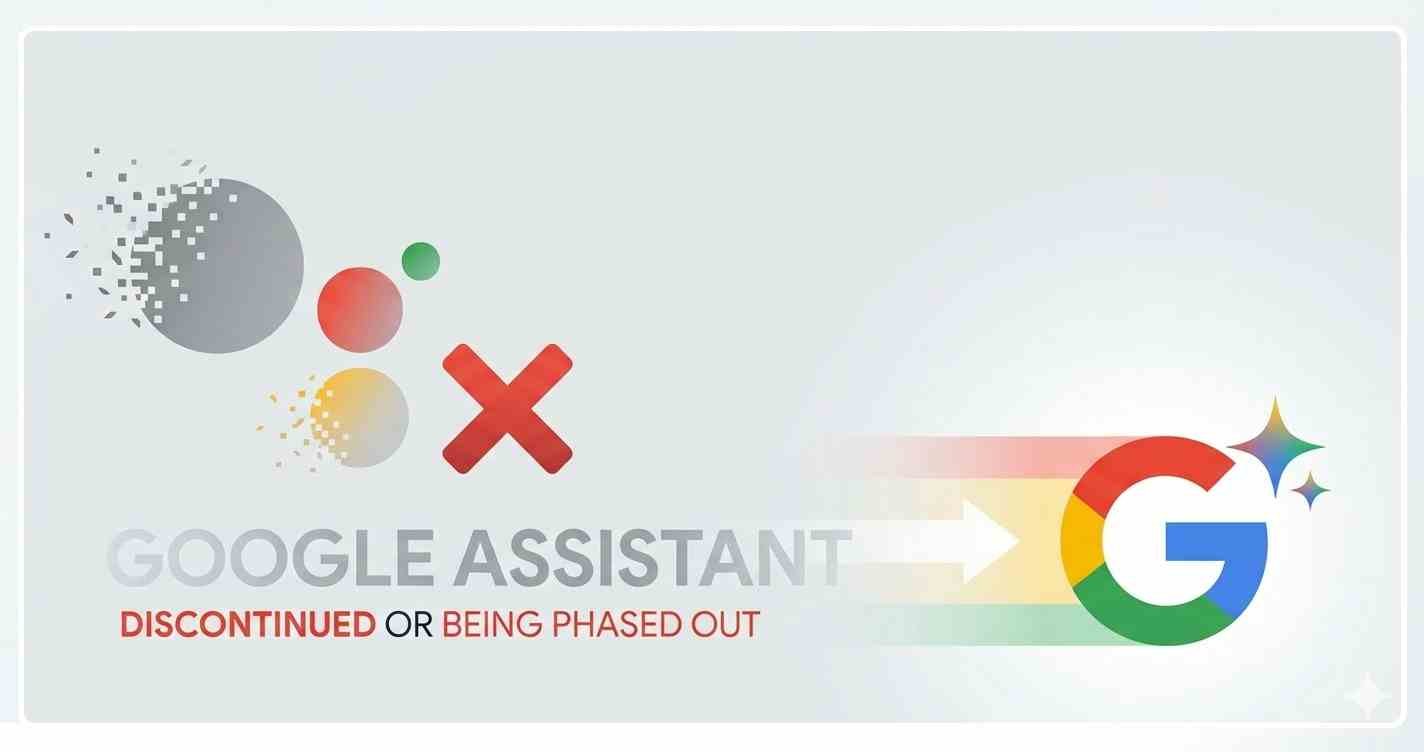
Google Assistant is dead. Google Just Killed Google Assistant. It just hasn’t finished dying yet.
This month — March 2026 — Google is completing the most significant change to Android phones in years. The assistant that has lived on hundreds of millions of devices since 2016, answering questions and setting reminders and controlling smart home devices, is being permanently replaced by Gemini.
No fanfare. No big goodbye. Just a support page update that quietly confirmed what Google has been building toward for over a year.
What’s Actually Changing on Your Phone
If you’re on Android, something is different already — or about to be. The familiar Google Assistant interface — the colored dots, the “Hi, how can I help?” prompt — is going away. Gemini is taking its place everywhere.
Not just on your phone. On Android Auto. On smart speakers. On smart displays. Anywhere Google Assistant used to live, Gemini is moving in.
The transition has been rolling out in stages for months. March 2026 is when Google flips the final switch — at least on Android Auto, where a support page now explicitly states that Assistant will no longer be available after this month.
Why Google Is Doing This Now
The honest answer is that Google Assistant was falling behind — fast.
When ChatGPT launched in late 2022 it made every existing voice assistant look primitive overnight. Assistant could tell you the weather and play a song. ChatGPT could write your emails, analyze documents, explain complex topics, and hold a genuine conversation. The gap was embarrassing and immediately obvious to millions of people.
Google spent 2024 and 2025 rebuilding. The result is Gemini — a genuinely different kind of assistant that understands context, handles complex requests, and integrates across Google’s entire product ecosystem in ways Assistant never could.
The switch isn’t just cosmetic. It’s Google admitting that the old approach didn’t work well enough and committing fully to the new one.
What Gemini Can Do That Assistant Couldn’t
The differences matter for everyday use.
Ask Google Assistant to summarize a long article and it would struggle. Ask Gemini the same question and it reads the whole thing and gives you a clean summary. Ask Assistant to draft a reply to an email and it would redirect you to Gmail. Ask Gemini and it drafts the reply, in your tone, ready to send.
On Android Auto specifically — which is where March 2026’s change is most concrete — Gemini understands natural conversational commands far better than Assistant did. You don’t need to phrase things in a specific way. You can just talk.
Google says Gemini will understand all the same commands Assistant understood — plus significantly more. The transition is designed to feel like an upgrade, not a disruption.
The Part Nobody Is Talking About
Here’s what the “Google Assistant is dead” story usually misses.
Google Assistant reached over 500 million active users. Many of them — particularly older users, people in markets outside the US, and anyone who relies on smart home integrations — built real habits around how Assistant worked.
Gemini is more powerful. It’s also more complex. And for the subset of users who want a simple, reliable voice command system rather than a full AI conversation partner, “more powerful” isn’t automatically better.
The risk Google is taking is that a meaningful percentage of its existing Assistant users find Gemini overwhelming, confusing, or simply different enough from what they knew that they stop using voice AI altogether.
That’s a real possibility. And it’s not one Google’s marketing materials spend much time acknowledging.
What You Should Do Right Now
If you’re on Android — check your phone. Gemini may already be your default assistant. If it isn’t yet, it will be soon.
The good news is that the transition requires nothing from you. It happens automatically. Your existing Google account, preferences, and connected devices carry over.
The better news is that once you spend a week with Gemini instead of Assistant, most people don’t want to go back. The gap in capability is that wide.
The bad news — if you have smart home devices, routines, or integrations built around specific Assistant commands — spend twenty minutes verifying they still work the same way. Most will. A few might need adjusting.
Also read: Google Is About to Challenge Meta’s Smart Glasses — And It Found the Perfect Partner
Word count: ~560
Reading time: 3 min
Internal links:
- Google Smart Glasses article — Google AI context
External links:
- 9to5Google — Google Assistant shutdown confirmation
- Android Authority — Gemini transition details